
WORK 01
CAMEO
Create my own cameo in Illustrator. Practical and appropriate use of layers, the pen tool, problem solving, visual spacing, simplification and creativity.

WORK 02
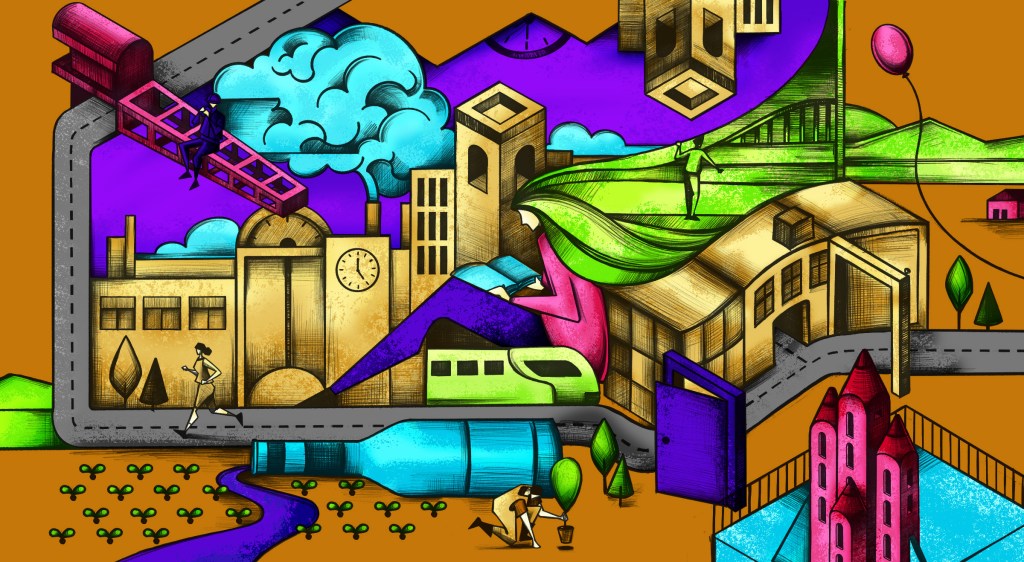
DIGITAL PAINTING
Practical and appropriate use of layers in Photoshop for digital painting, masking, clipping masks, pixel lock, opacity& flow, selections, use and understanding of brush functions, attention to detail, brush textures, luminosity values (light & shadows), developing your own workflow.
WORK 03
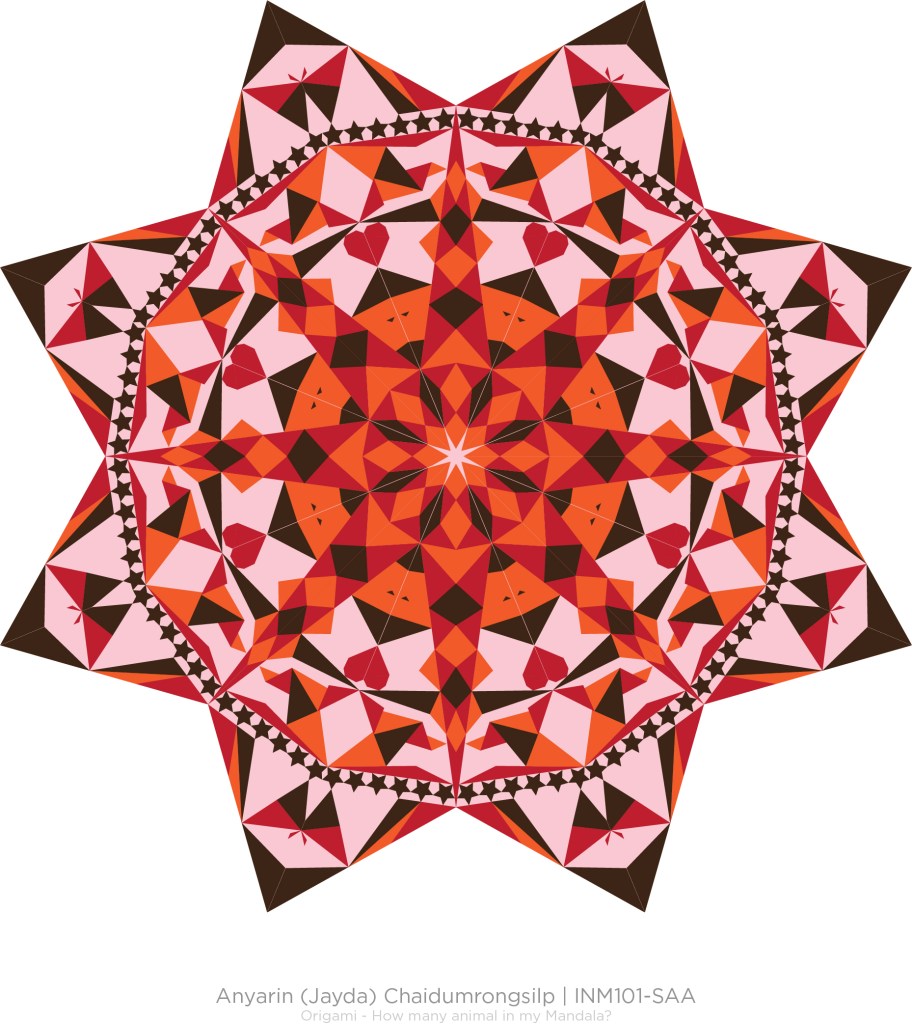
MANDALA
Inspiration is everywhere. Practical and appropriate use of shapes, lines, transformations, symbols, rotations, clipping masks & colors.
WORK 04
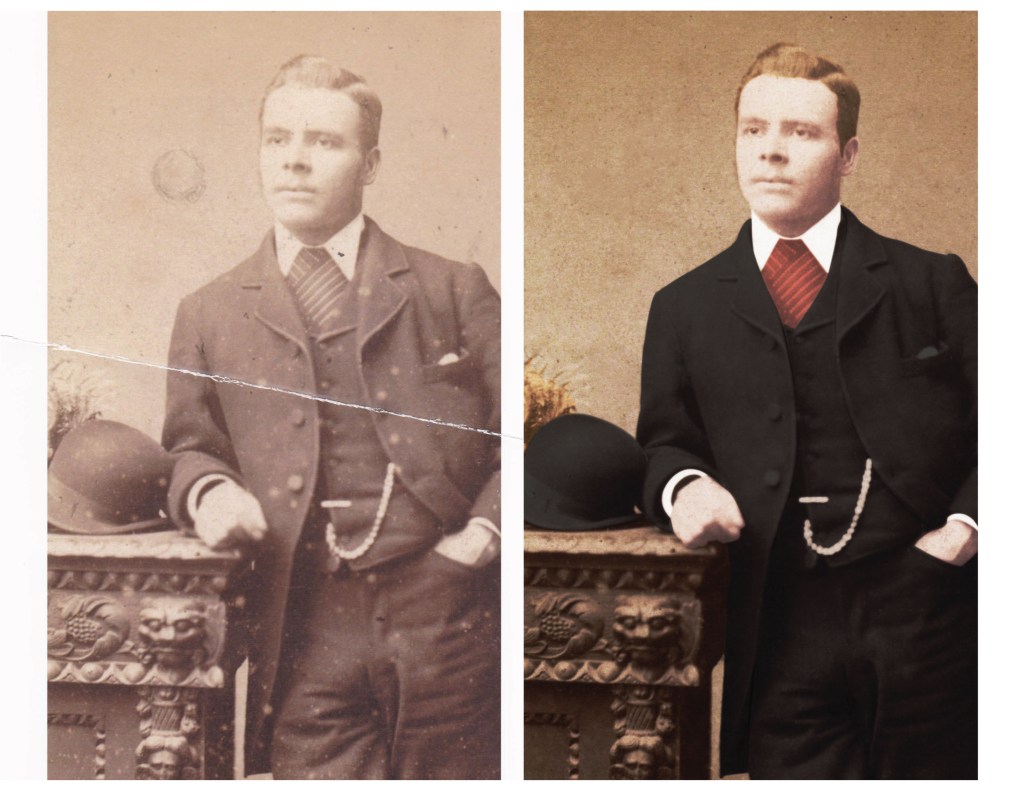
PHOTO RESTORATION
Practical use of the clone stamp tool, the healing brush, the patch tool, painting techniques, color correction, proper use of dodge & burn tools, brushes, blend modes, digital painting
WORK 05
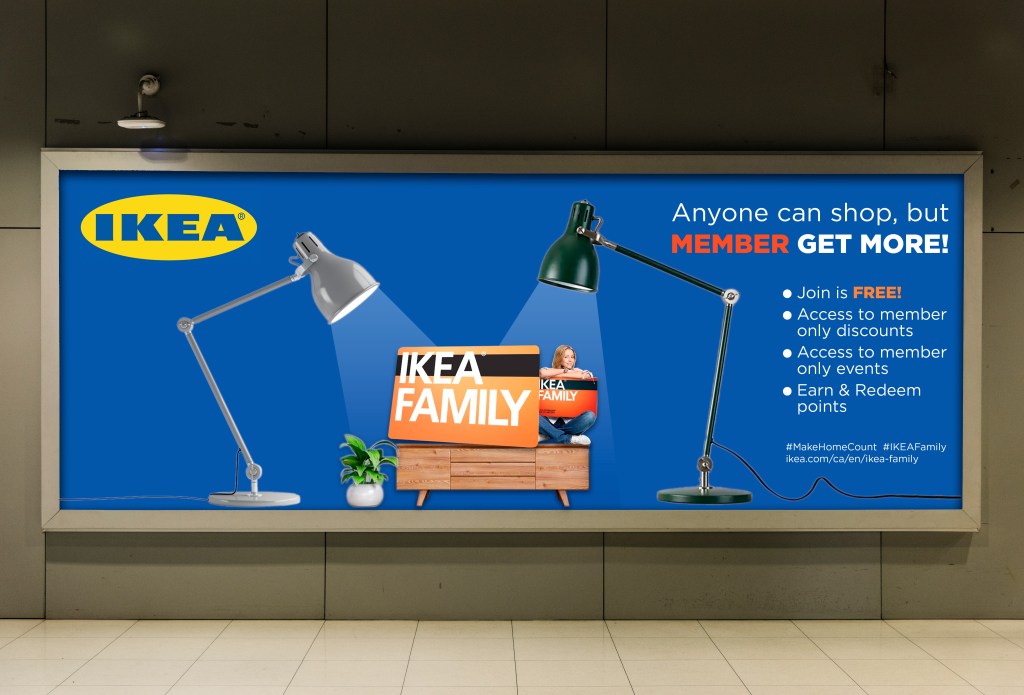
AD COLLEGE
Practical use of selection techniques, composition, color
correction, rotating, cropping, smart objects, using the elements of design.
WORK 06
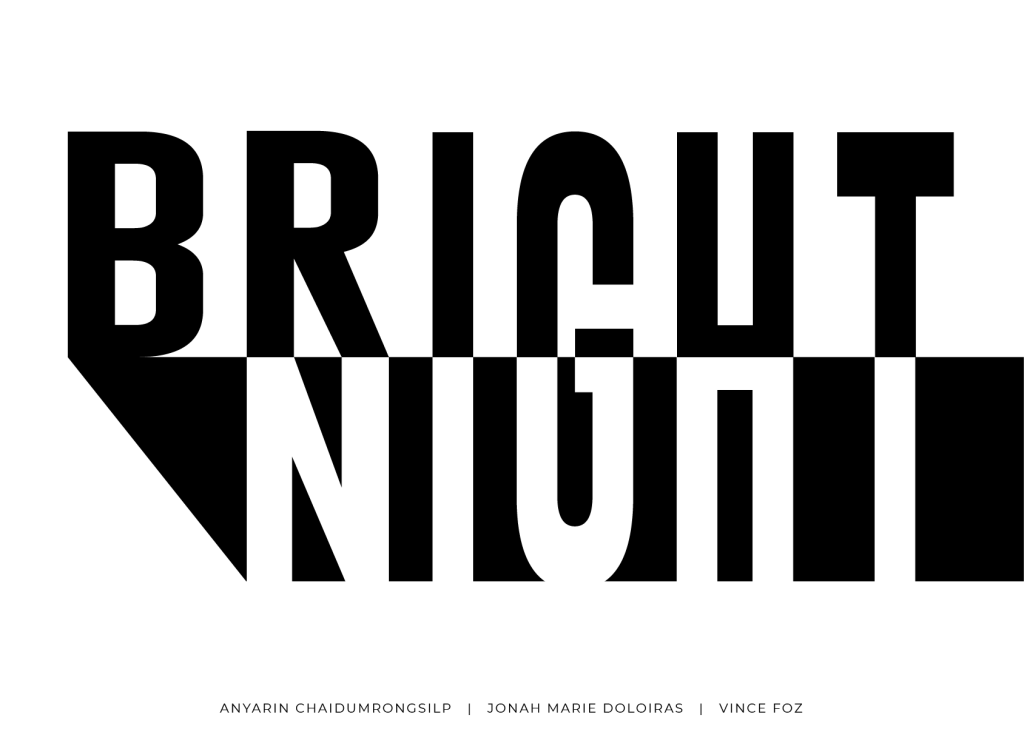
TYPOGRAPHY
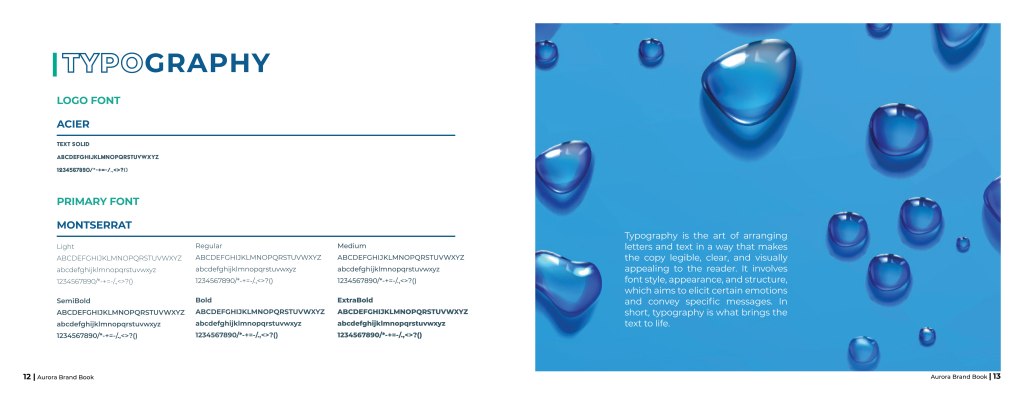
Practical the art of arranging letters and text in a way that makes the copy legible, clear, and visually appealing to the reader. It involves font style, appearance, and structure, which aims to elicit certain emotions and convey specific messages. In short, typography is what brings the text to life.
WORK 07
RANSOM NOTE
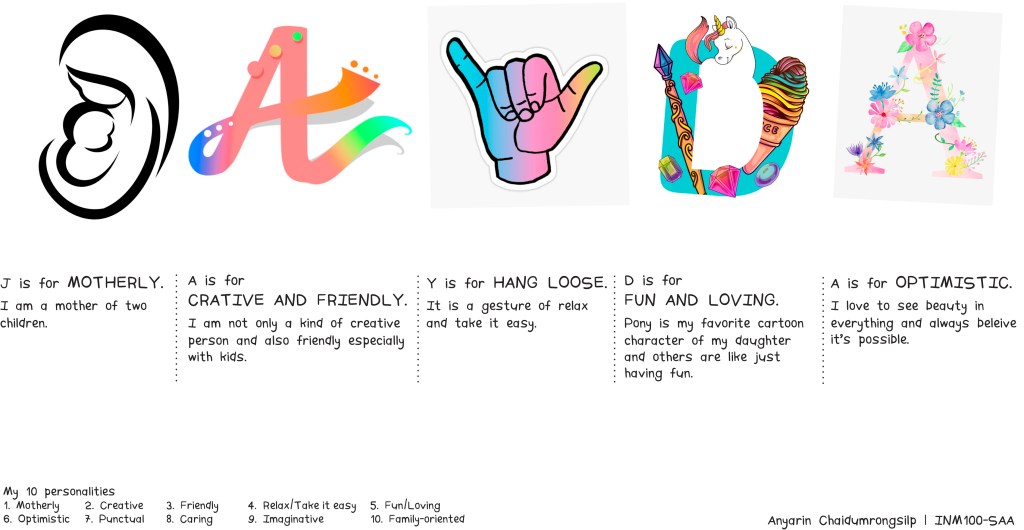
Practically, I used Indesign to make a ransom note based on my own name, with each letter representing a different aspect of my personality.
WORK 08
MAGAZINE
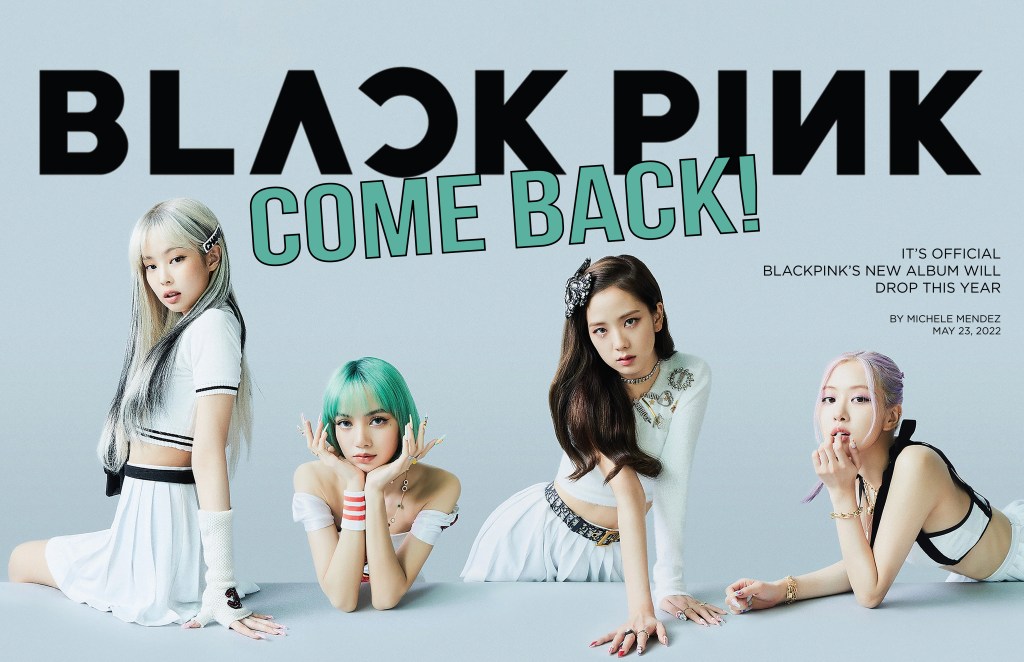
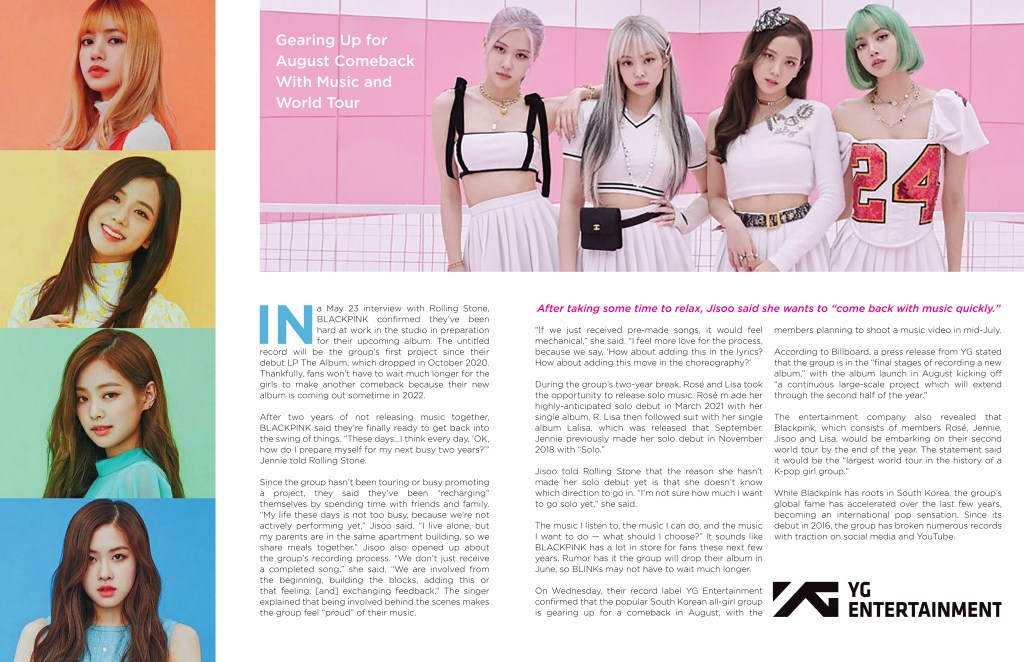
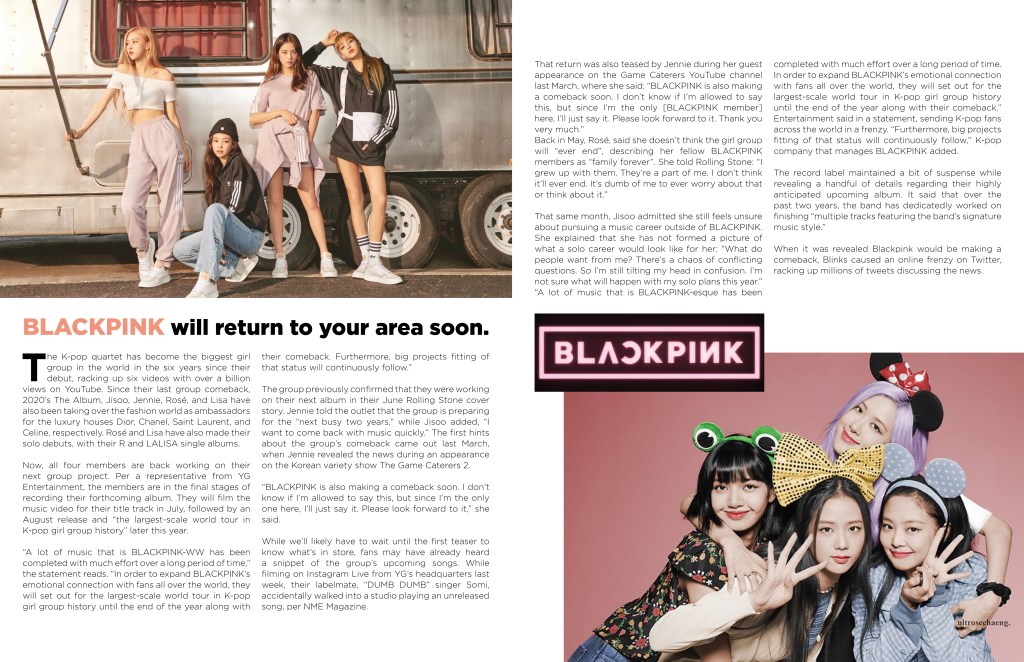
Using Indesign, I created a magazine featuring my favourite band. I choose BlackPink because Lisa is my favourite Thai K-Pop girl. Experiment with grids, layouts, paragraph styles, and character styles.
WORK 09
LOW POLY / WPAP
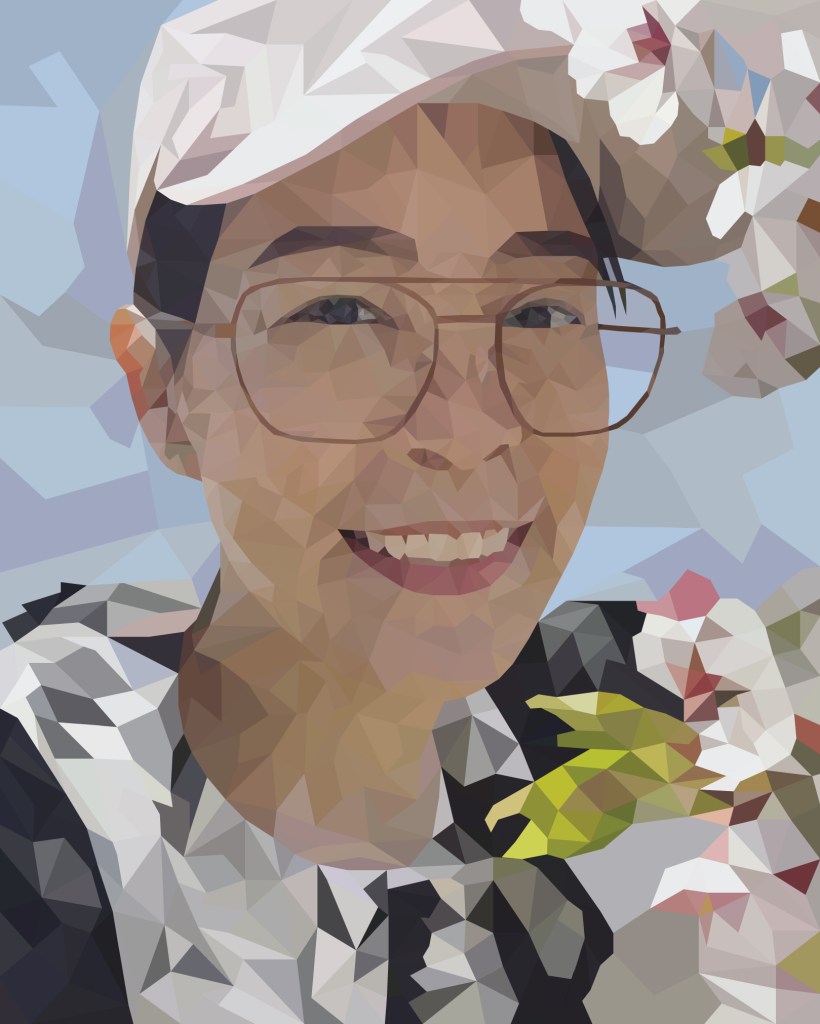
This will be digitized into a low/mid poly illustration using triangles, rectangles and polygons in Adobe Illustrator to create a Low Poly/ WPAP look. Getting used to using Illustrator as an illustration tool. Pen tool, direct selection tool, color sampling, eye dropper, working within constraints (No curves! 3, 4 and more sided shapes!) breaking down images, seeing image planes.
WORK 10
ADVANCE ICON
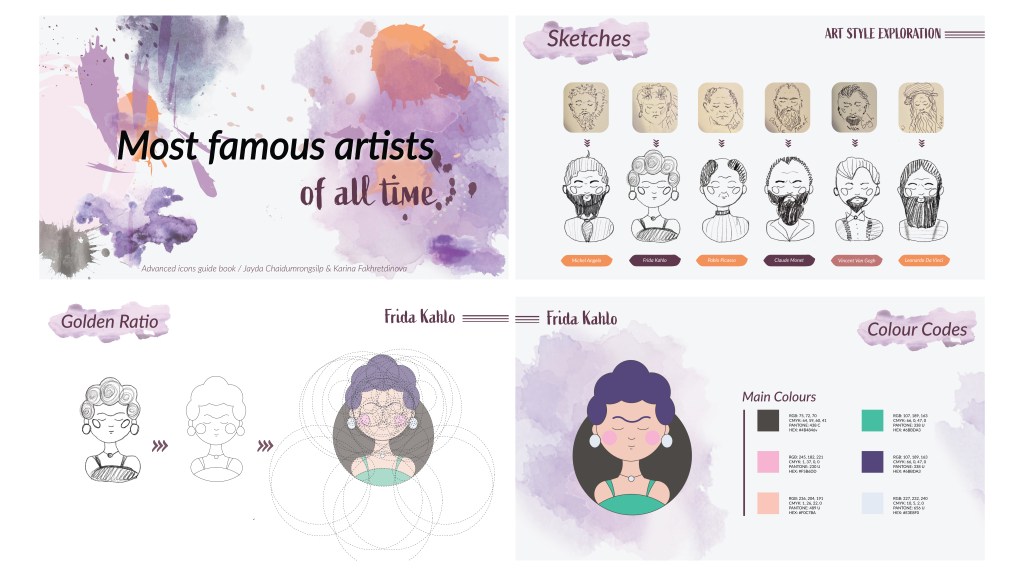
Creating a set of matching icons using the golden ratio. Critical thinking/seeing/designing differently, working with a partner, developing continuity, working on consistency within a group/ communication, learning to add a personal touch/ style/ element to our set of icons, creating a grouping of matching objects (set/family), working within restrictions, designing using a grid, understanding how to design icons with the golden ratio, designing or others to understand (brand book), mapping out your ideas for yourself (mind map), accessibility considerations

WORK 11
BRAND DEVELOPMENT
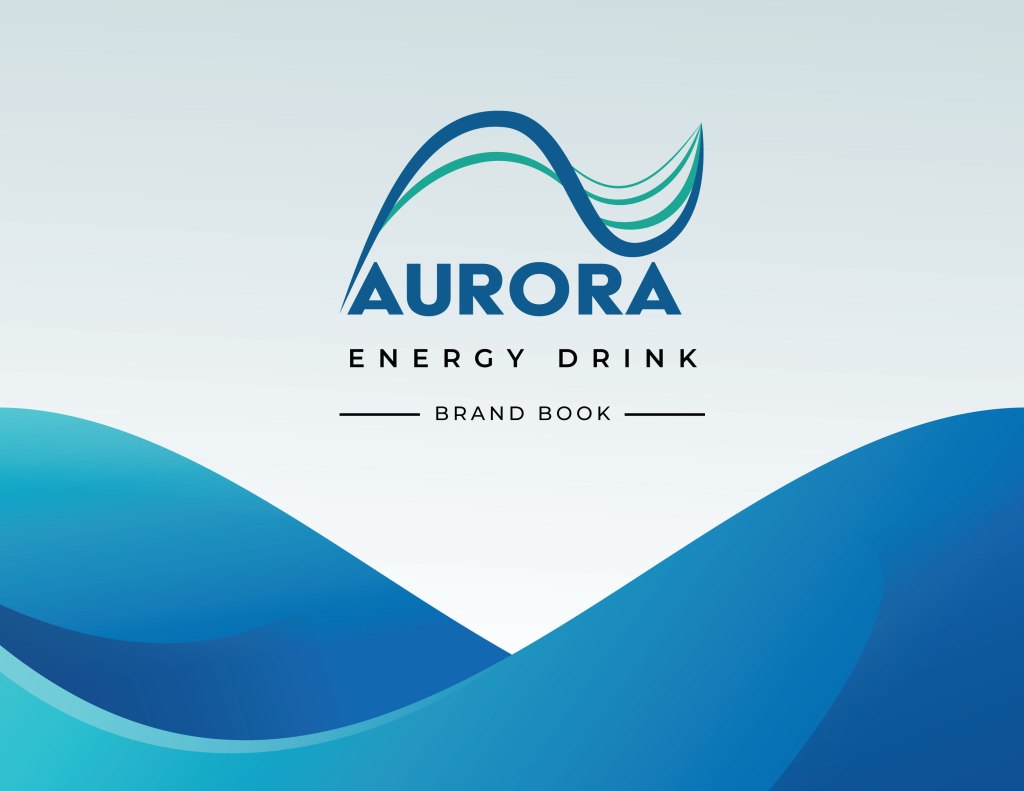
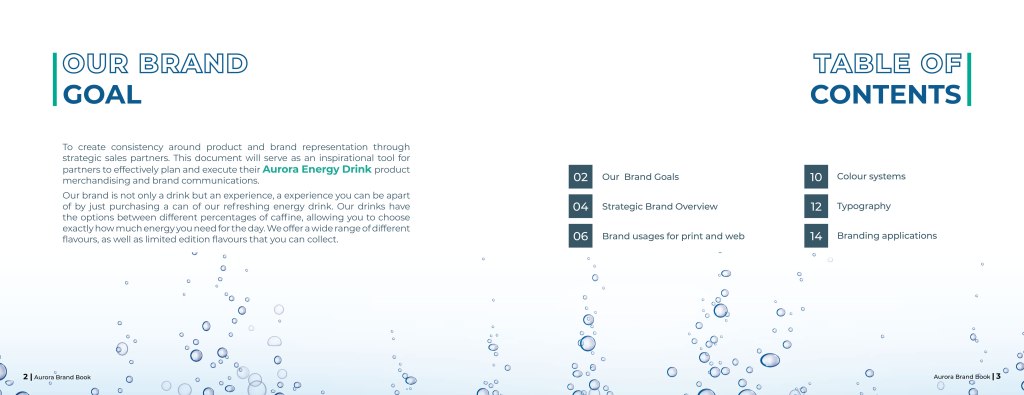
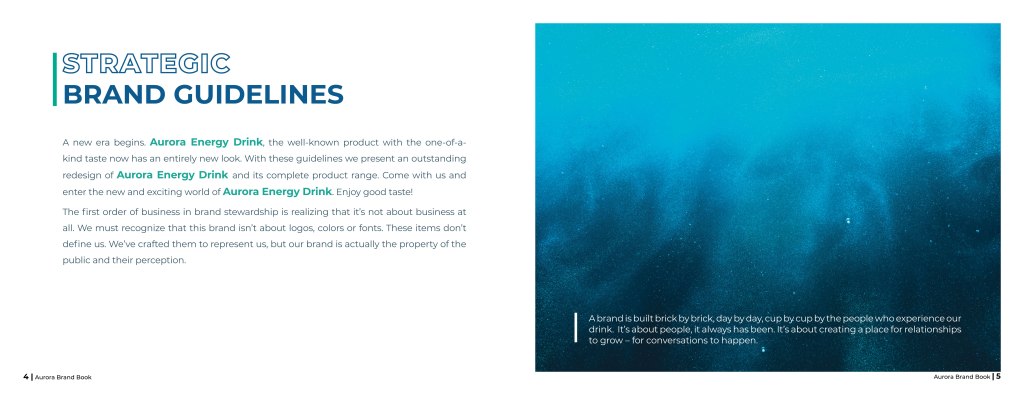
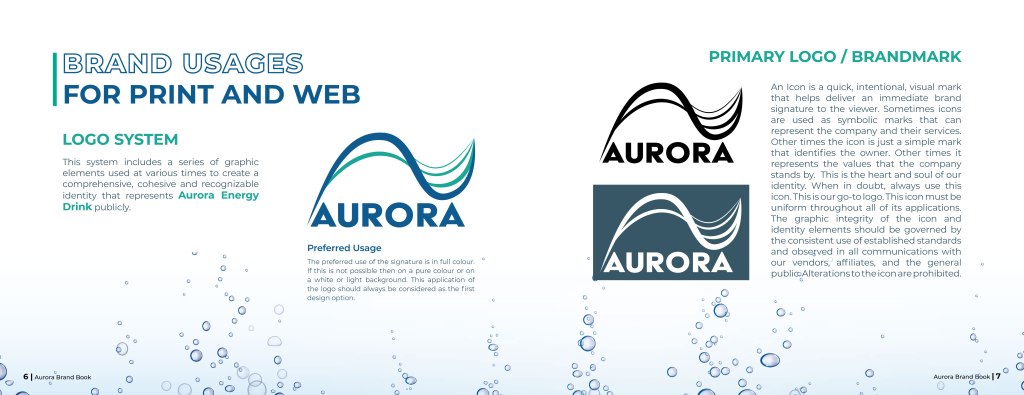
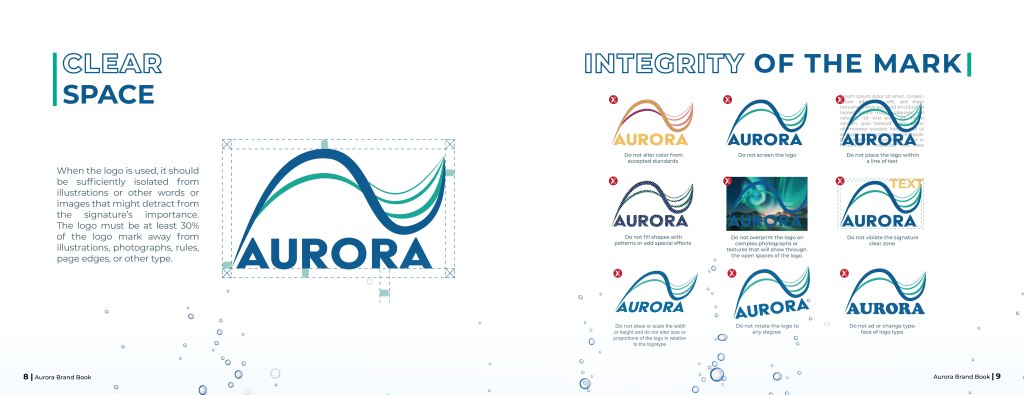
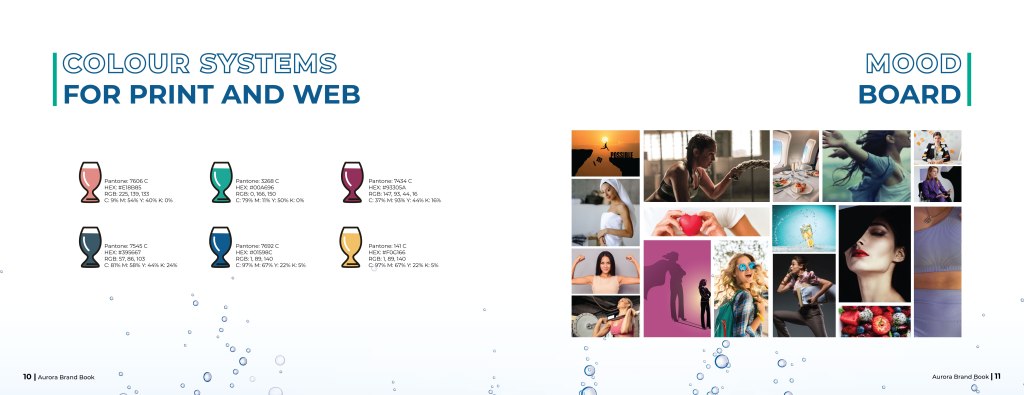
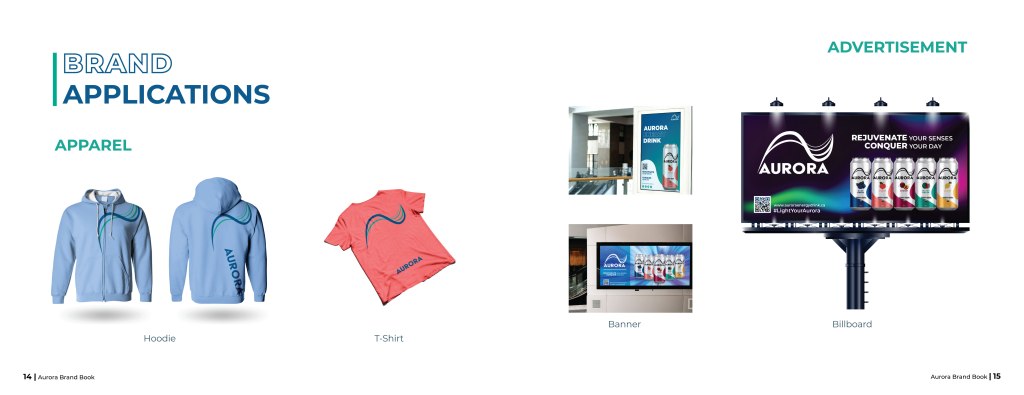
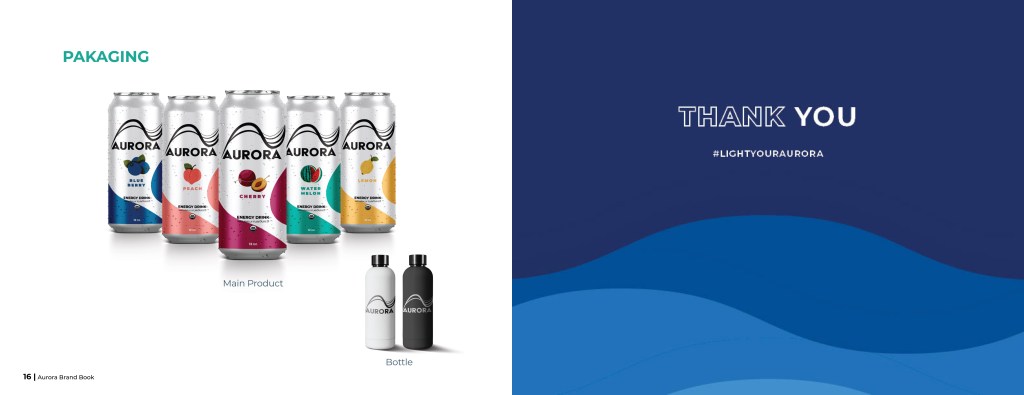
To create consistency around product and brand representation through strategic sales partners. This document will serve as an inspirational tool for partners to effectively plan and execute their AURORA ENERGY DRINK product merchandising and brand communications.
WORK 12
VISUAL NARRATIVE
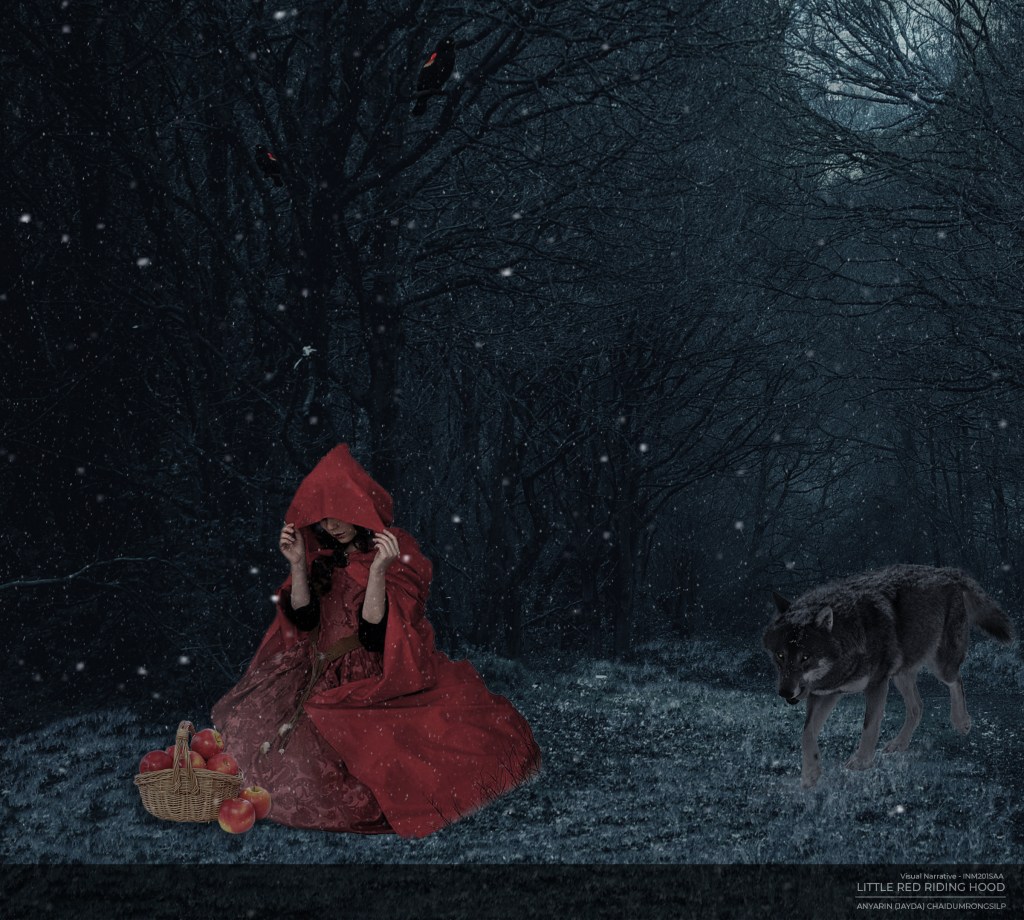
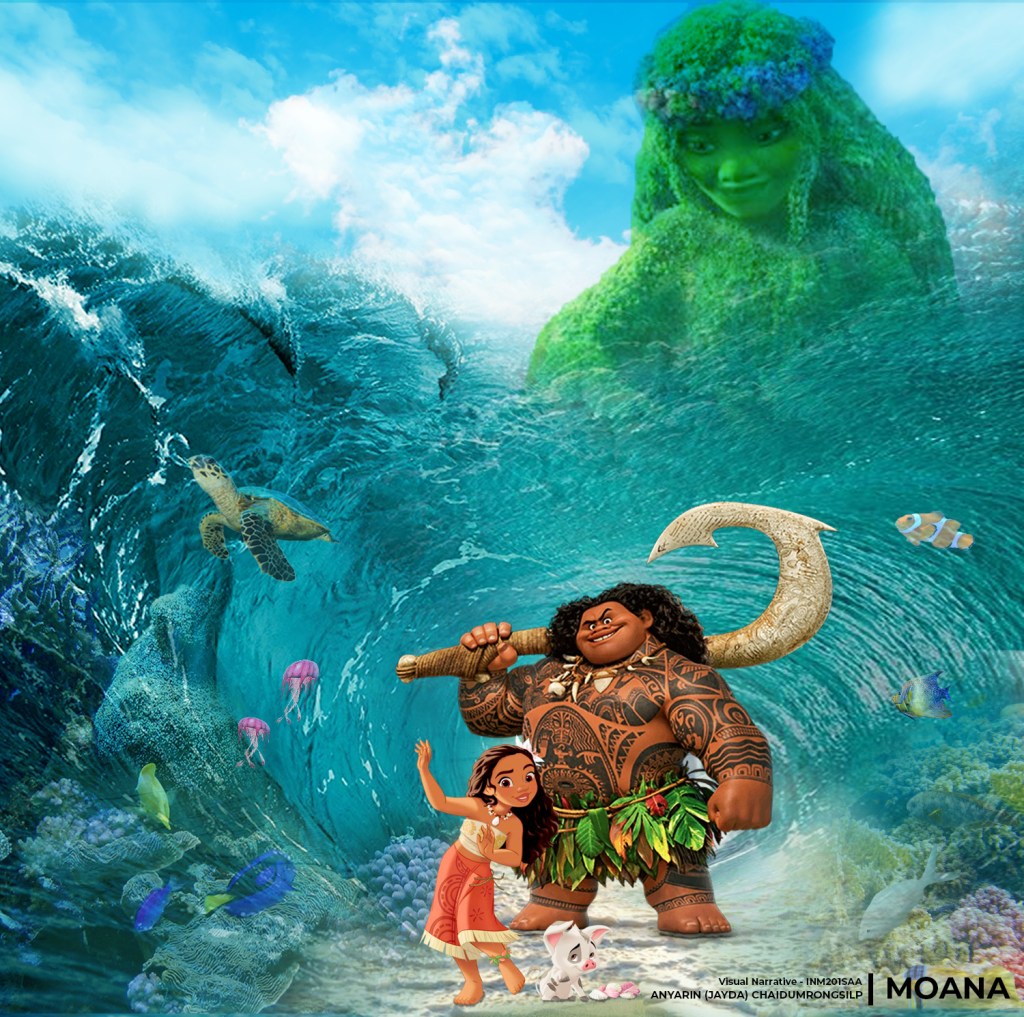
A surreal composite based on a fairytale. Piecing together a collage for a seamless, realistic visual storytelling piece. Composition Creativity Problem solving Technical skills Light/shadow painting.
 Anyarin (Jayda)
You must be logged in to post a comment.