
Seneca Connect Mobile App

Concept:
Seneca Connect is a mobile app designed to facilitate seamless communication and interaction among Seneca College students, both current students and alumni. This app aims to foster a vibrant sense of community, enable social networking, and provide essential academic tools to enhance student’s overall college experience. Here’s a short list of key features and functionalities:
Key Features:
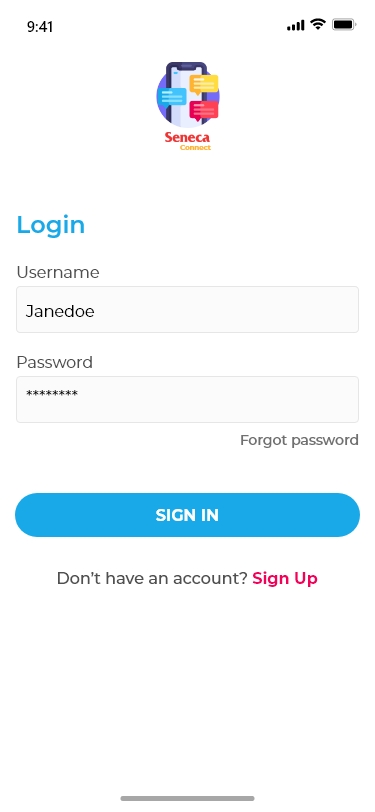
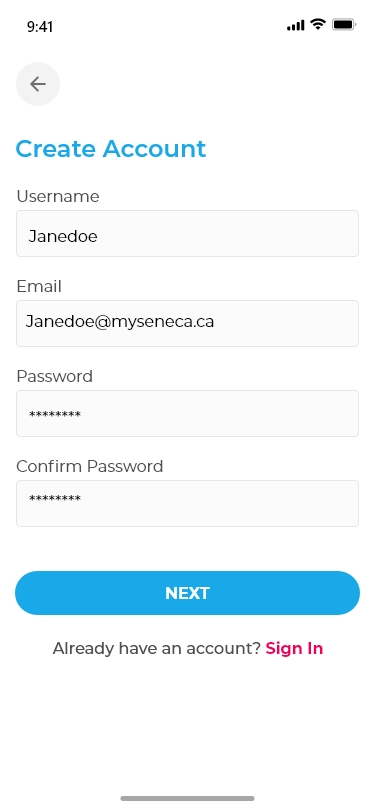
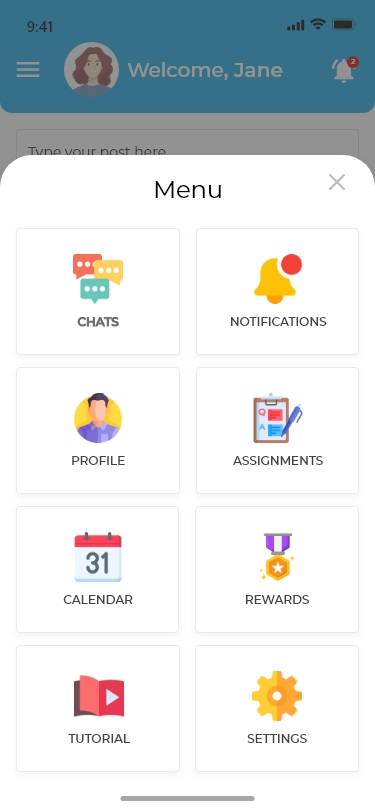
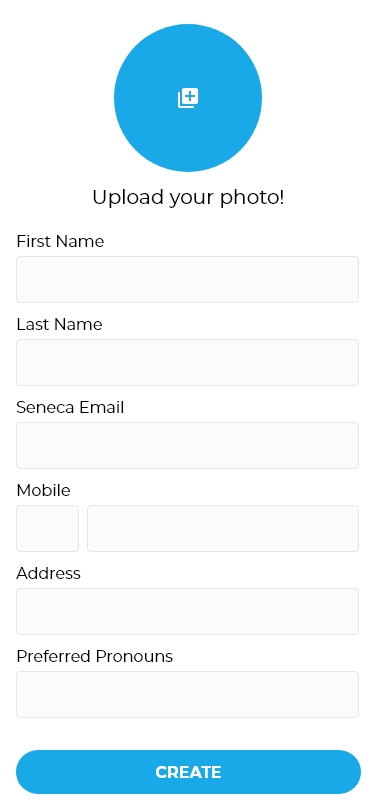
- Secure Login: Users can access the app using their Seneca College credentials, ensuring a safe and exclusive environment for students.
- Timeline: Similar to Facebook’s newsfeed, the Timeline feature allows students to view and post updates about their activities, accomplishments, and interests, creating a virtual campus hub.
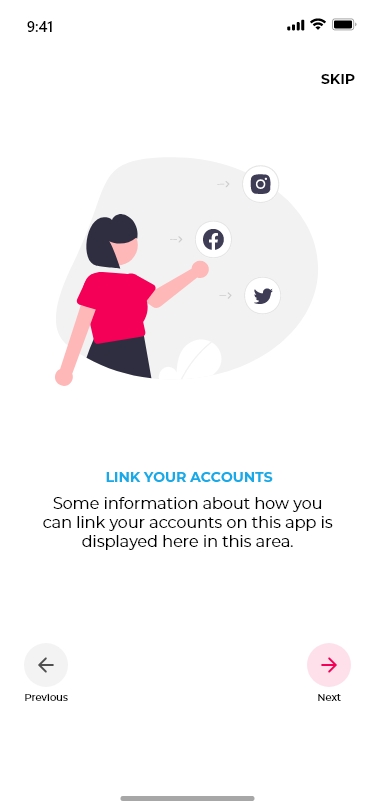
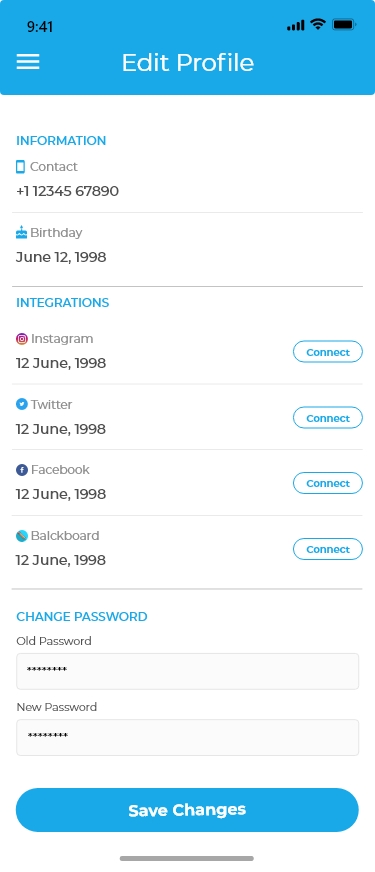
- Social Media Integration: The app provides an option to link students’ social media accounts, encouraging seamless connections beyond the app’s platform.
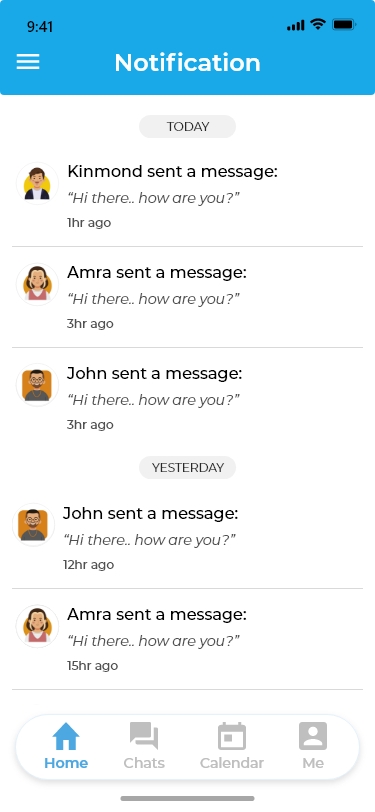
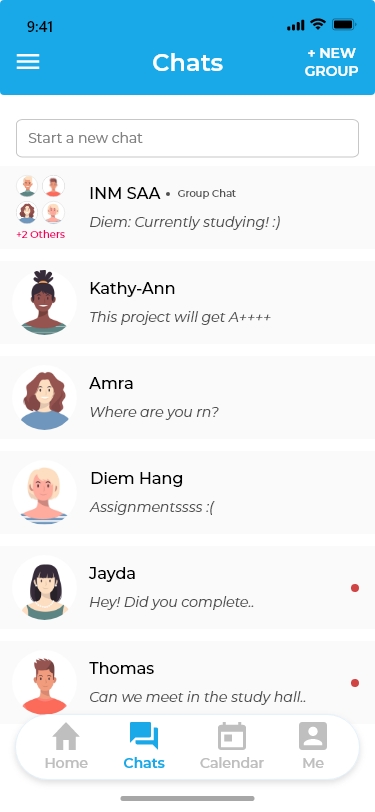
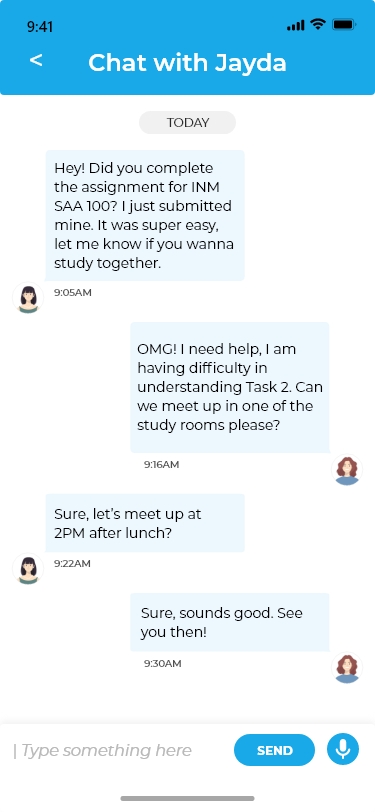
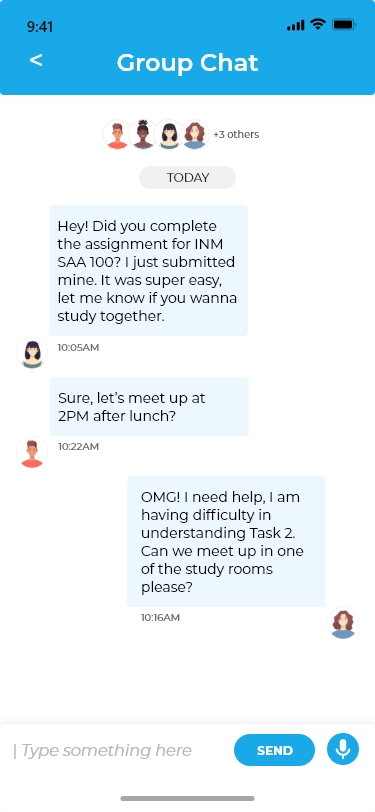
- Chats: Seneca Connect enables private and group chat functionalities, allowing students to communicate with their friends and peers conveniently.
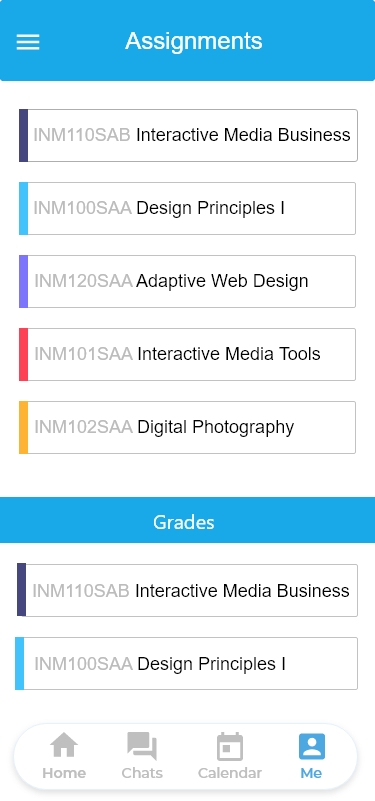
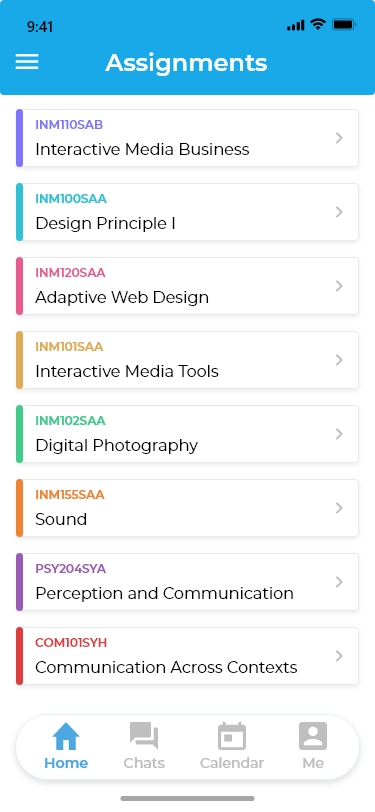
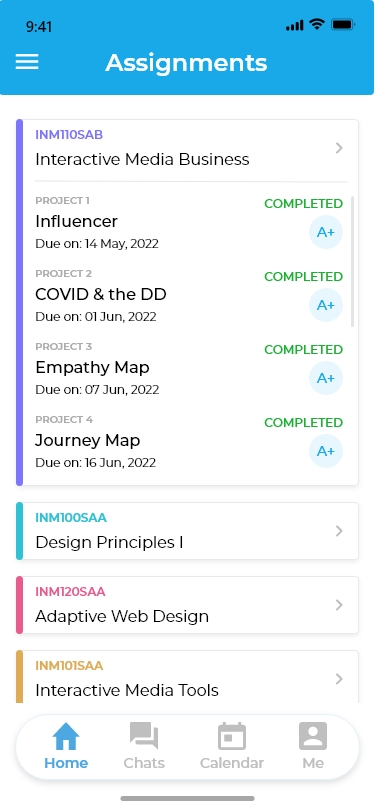
- Assignment Tracker: Students can access a comprehensive list of assignments, their due dates, and grades. This feature helps students stay organized and manage their academic responsibilities effectively.
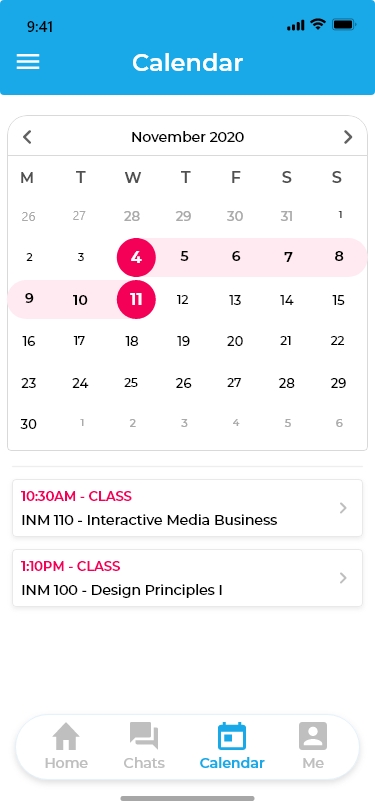
- Calendar: The Calendar feature highlights all upcoming events and important dates on the Seneca College campus, ensuring students never miss out on significant opportunities.
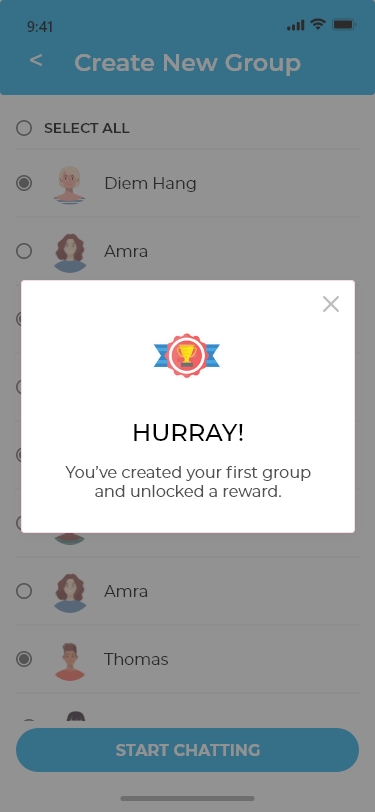
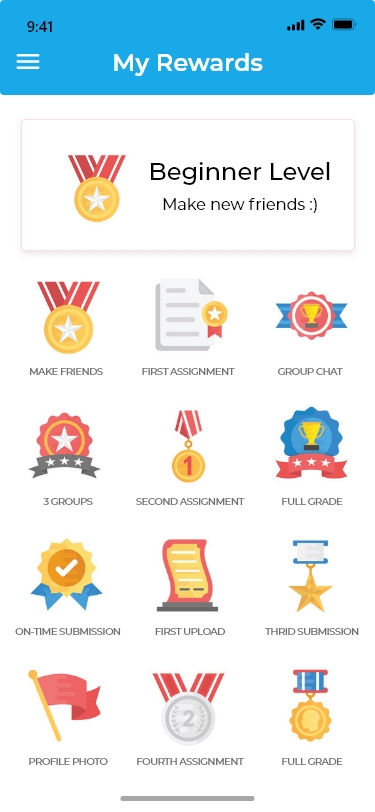
- Rewards System: Seneca Connect gamifies the user experience by offering rewards through interactive games. Students can collect points to redeem exciting prizes like Seneca T-shirts and more.
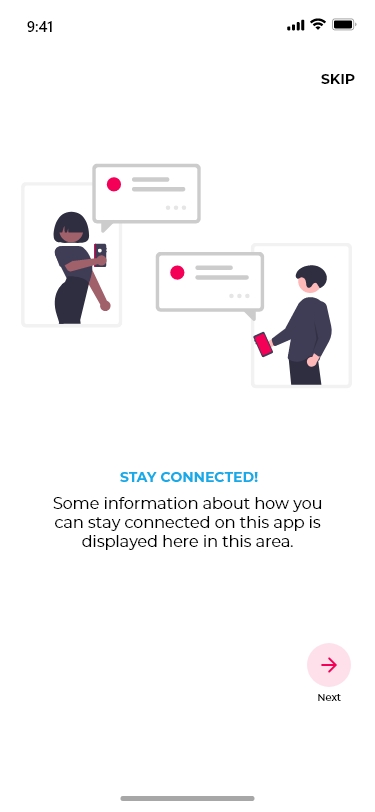
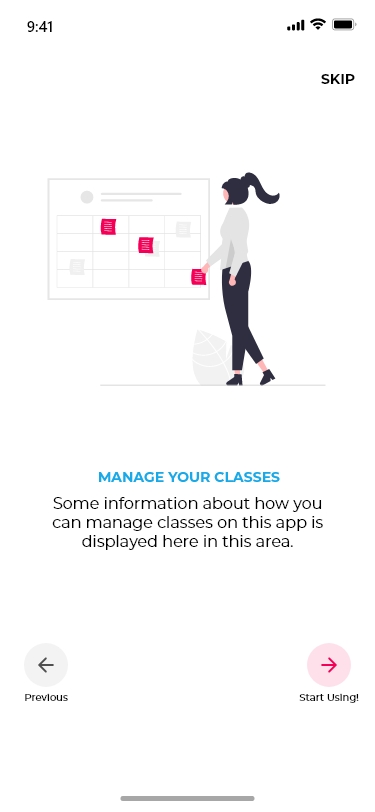
- Tutorial Section: To assist users in navigating the app’s features, a dedicated Tutorial section provides step-by-step guidance on how to make the most out of Seneca Connect.
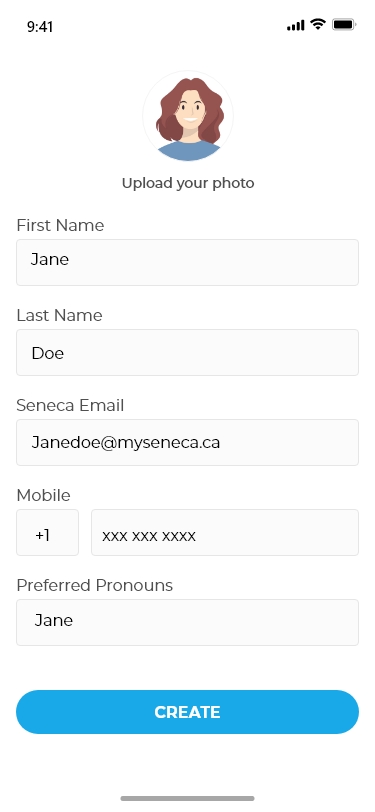
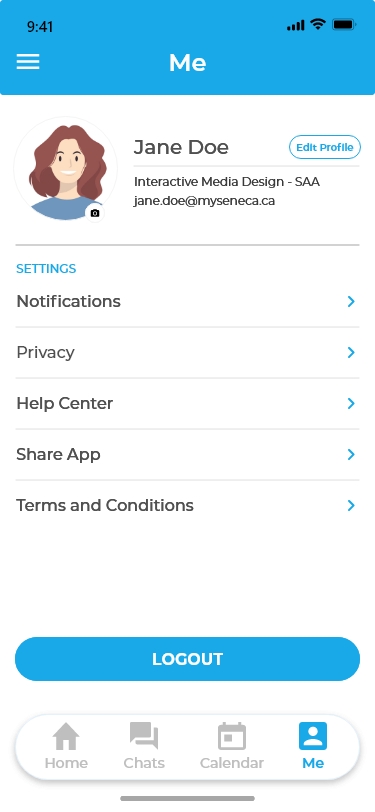
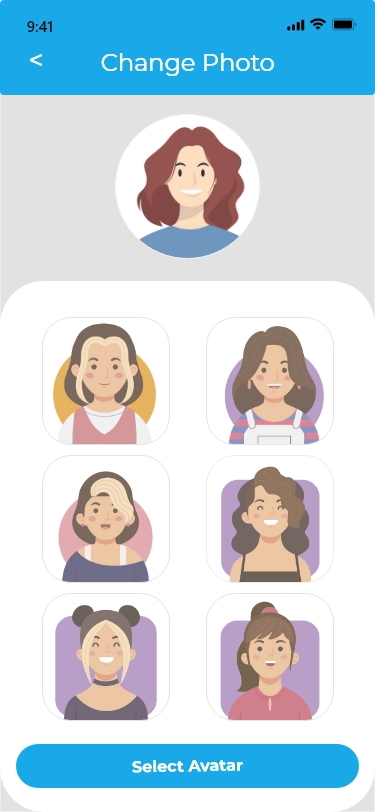
- Personalized Settings: Students can manage their personal information, customize preferences, and control privacy settings in the app’s dedicated Settings section.
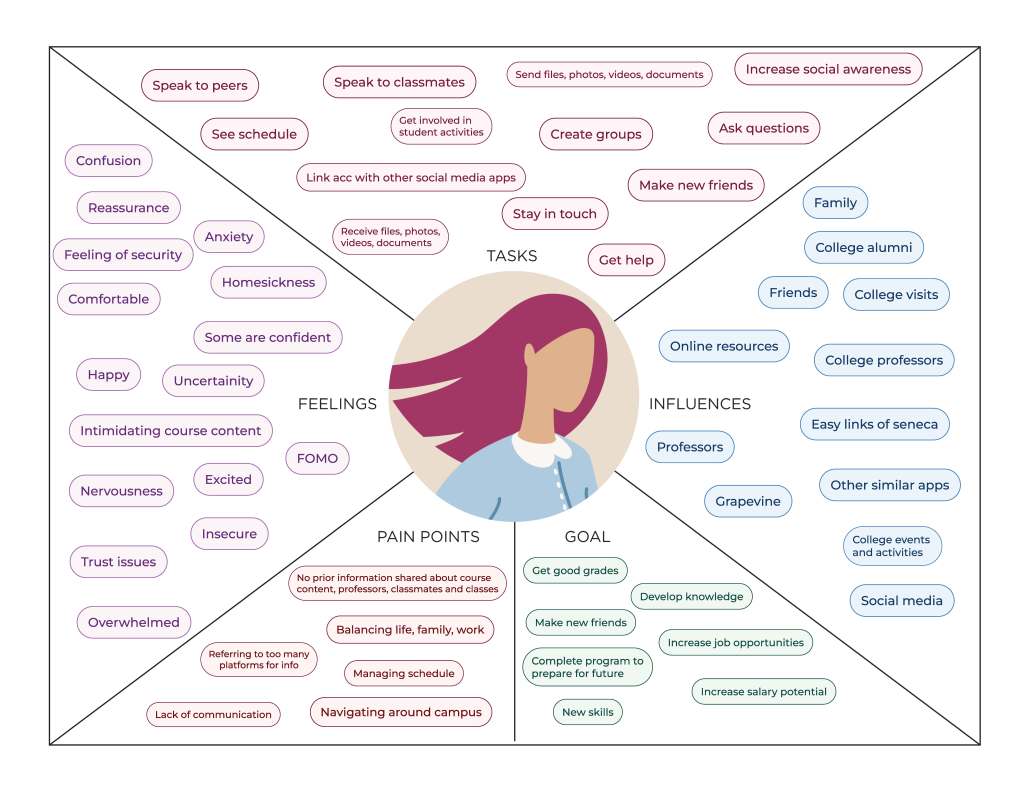
Empathy Map:
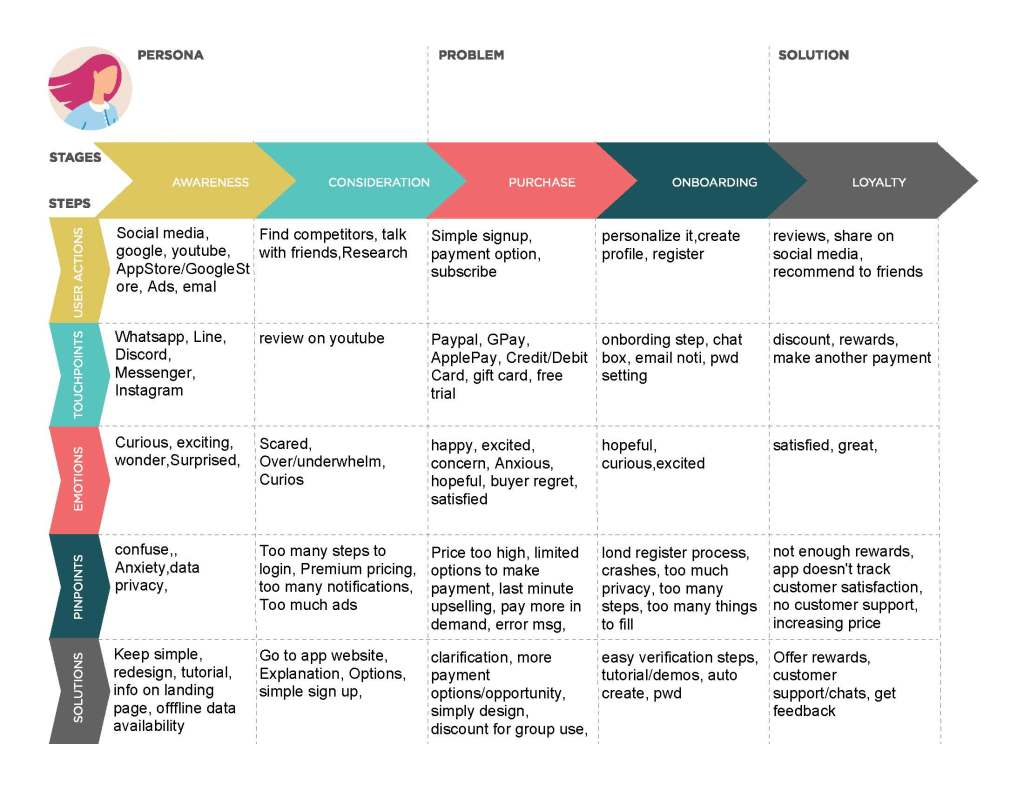
User Journey Map:
Wireframes:


 Anyarin (Jayda)
You must be logged in to post a comment.